How to Install DejaOS
Runtime Environment
DejaOS is a JavaScript runtime designed for embedded devices. No manual installation is required—all devices we provide come with DejaOS pre-installed and ready to use out of the box.
Development Environment Setup
To develop DejaOS applications on your computer, please prepare the following tools:
-
Visual Studio Code
Download: https://code.visualstudio.com/download -
Node.js (version 20 or above)
Download: https://nodejs.org -
DejaOS IDE Extension
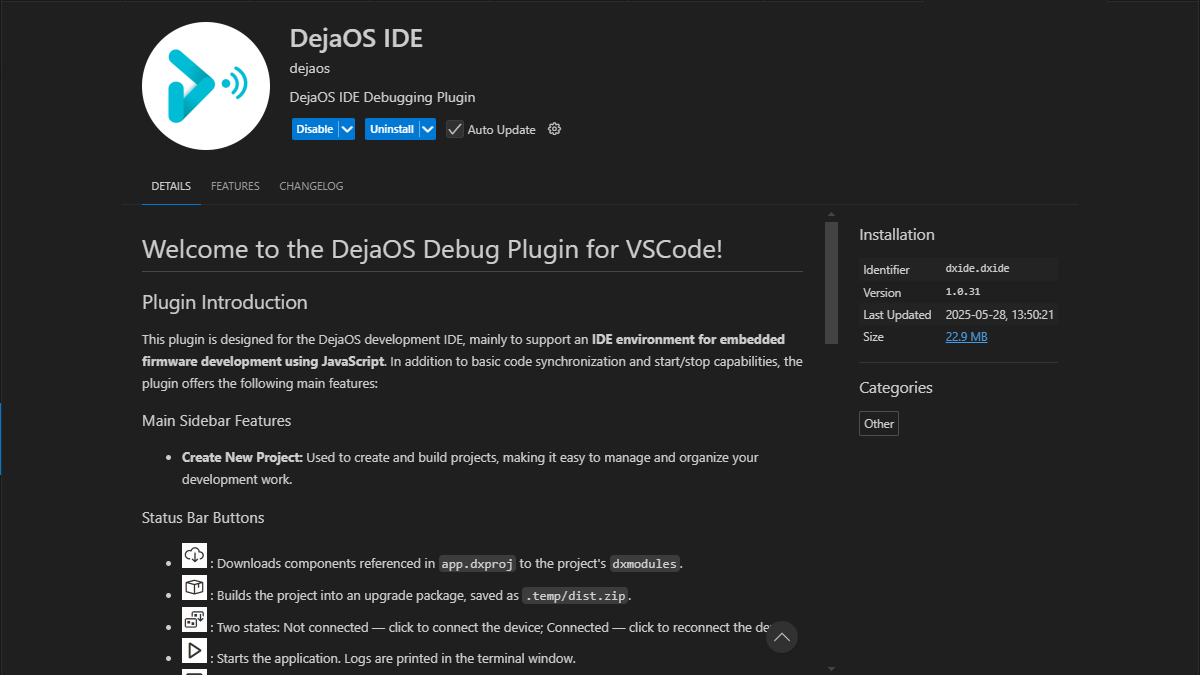
This is a VSCode extension. Search forDejaOS IDEin the VSCode Extensions Marketplace, or install directly via:
👉 DejaOS IDE Extension
- Once installed, you'll see the DejaOS icon in the VSCode sidebar. Click it to access the project management interface.
Command-Line Development
If you do not need the VSCode extension, or prefer terminals, automation scripts, and AI programming tools, install DejaOS CLI:
npm install -g dejaos-cli
After installation, run dejaos --help from a project root containing app.dxproj to view the available commands.
System Support
Currently, the development environment supports Windows,MacOS.
Network Requirements
During development, DejaOS IDE may need to download official JavaScript modules:
- Online Development: Access the DejaOS module repository to fetch the latest modules and dependencies.
- Offline Development: Previously downloaded modules are cached locally, allowing continued development without an internet connection.
- We recommend staying online to ensure you always have access to the latest modules.