Smart Locker System (Face Recognition Online Version)
A smart-locker terminal for FCV5005 and FCV5003, built with DejaOS SDK 2.0. It recognizes users locally and connects to a FitLock-compatible management service through MQTT for centrally managed users, face data, cabinet assignments, configuration, events, and alarms.
This repository contains both the embedded terminal application and its companion smart-cabinet management system. Deployment-specific accounts, infrastructure, and production configuration must still be provided by the integrator.
Application Screenshots
| Interface | Preview |
|---|---|
| Home | 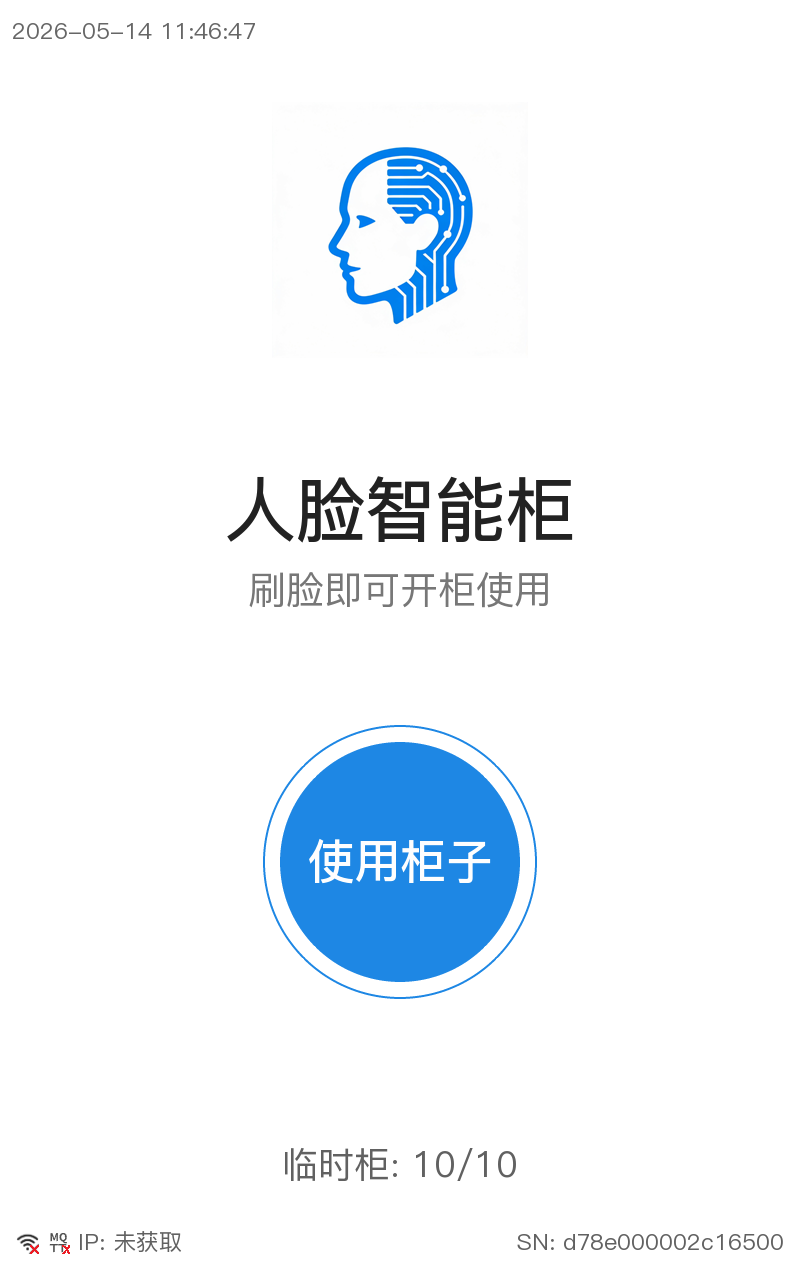 Home screen with the face-recognition entry, temporary-locker availability, network status, and device information. |
| Face Recognition | 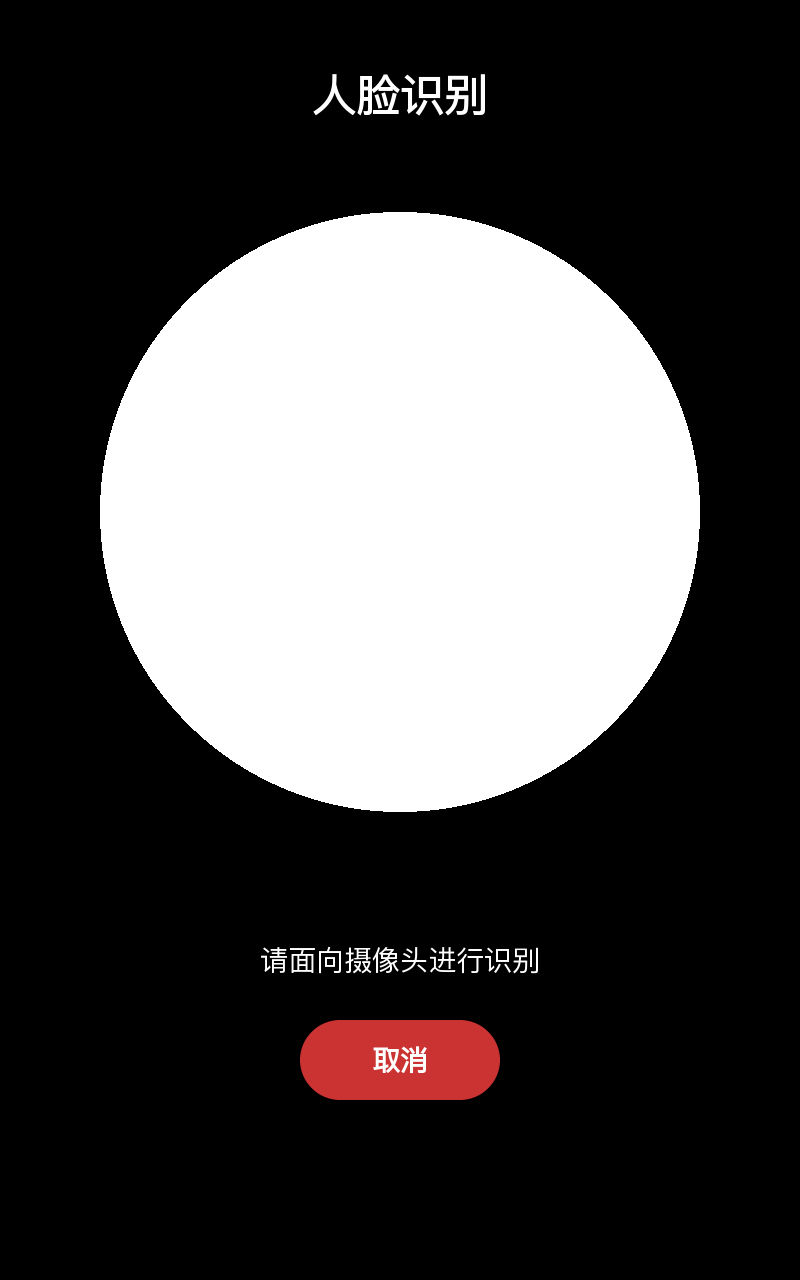 Local camera preview and face-recognition guidance. |
| Temporary Locker Confirmation | 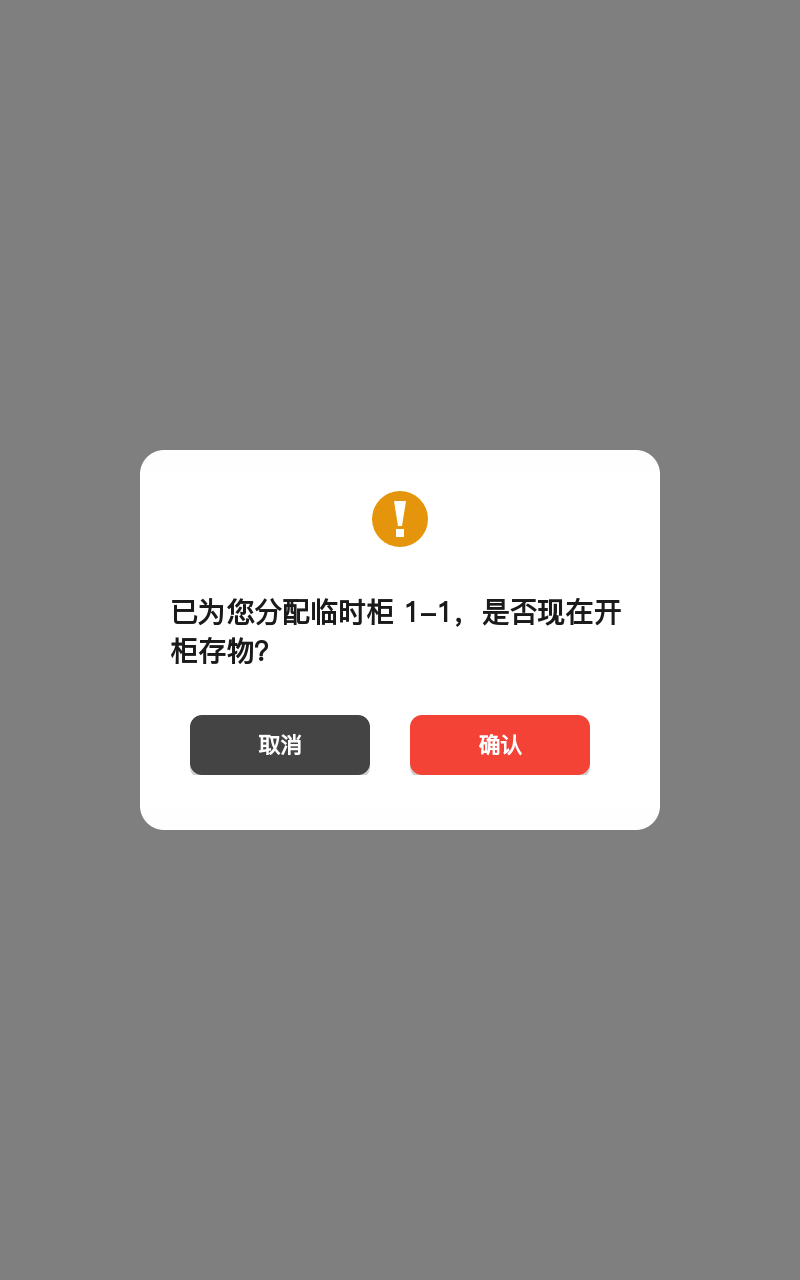 Confirms the temporary locker assigned to the recognized user. |
| Administrator Login |  Supports face or password authentication for local administration. |
| Administrator Console | 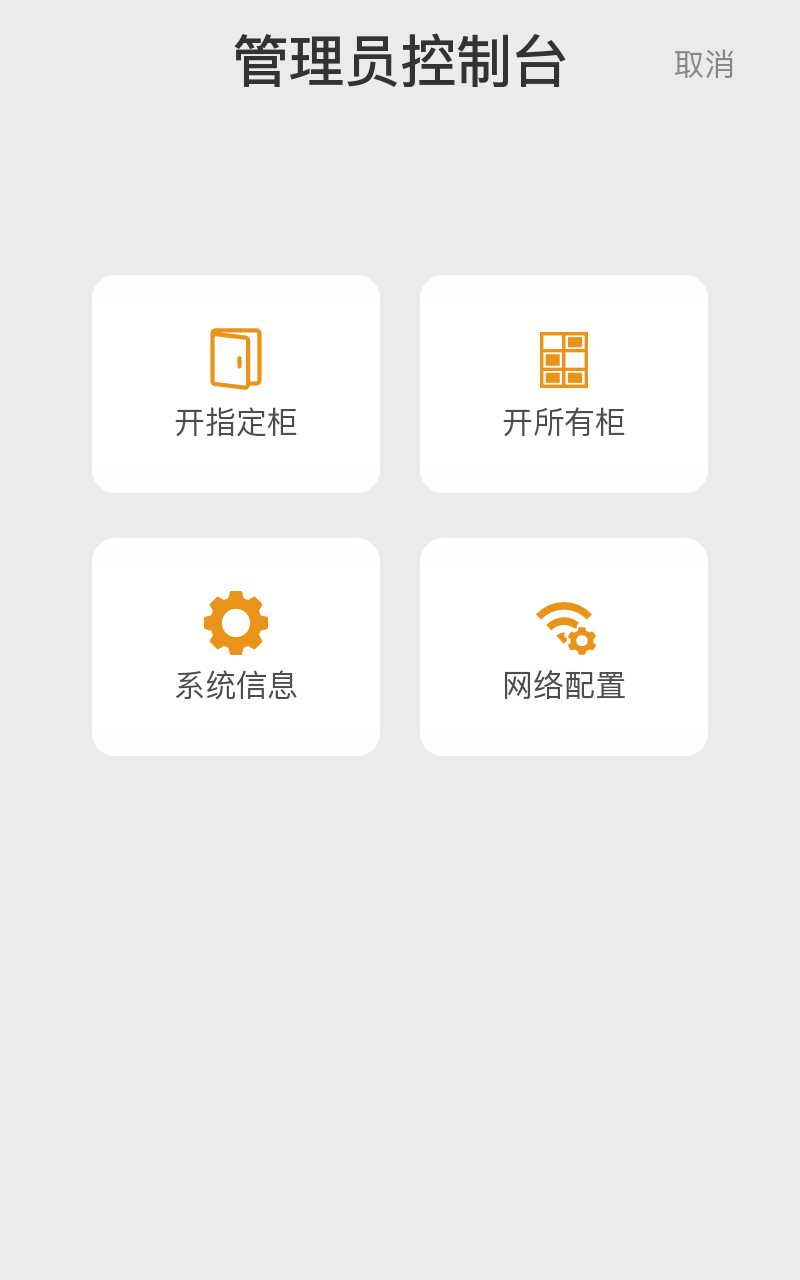 Local maintenance entry points for cabinet control, system information, and network settings. |
| Open a Specific Cabinet | 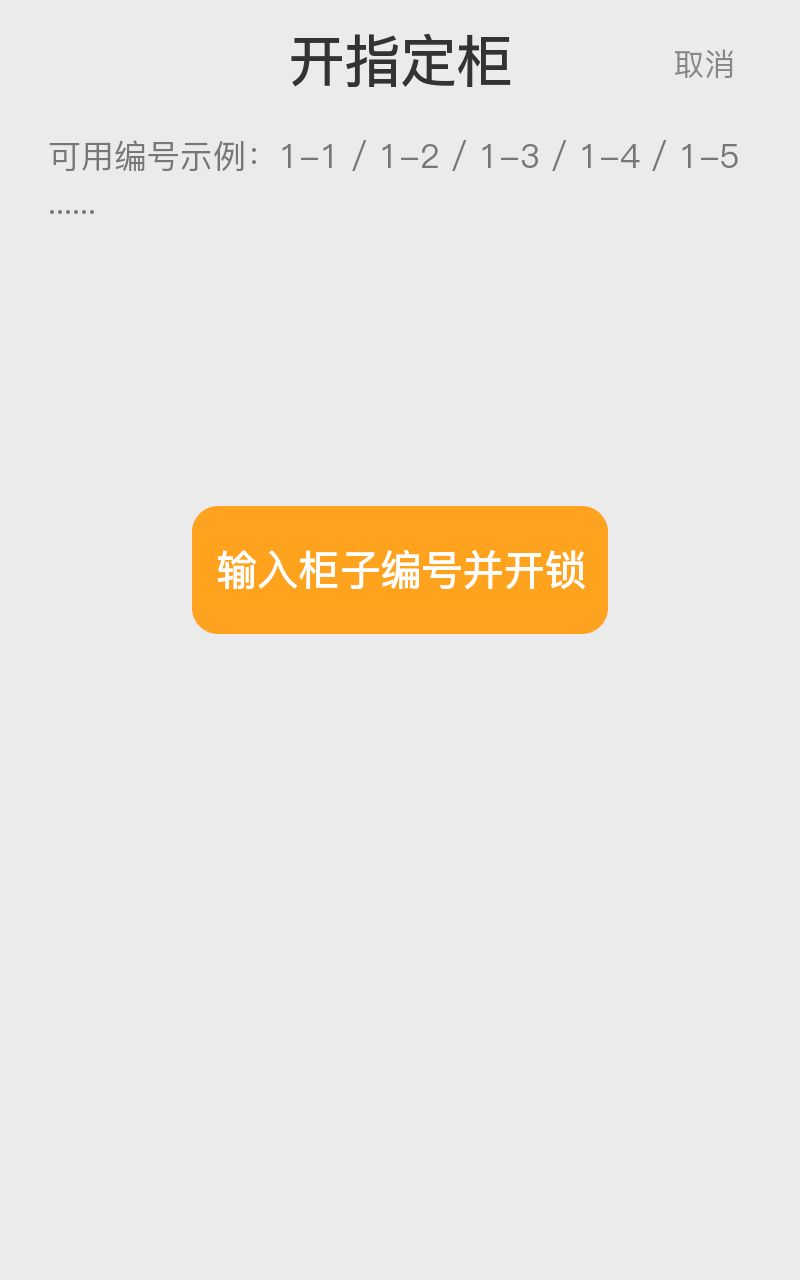 Manually opens a selected cabinet for authorized maintenance. |
| Open All Cabinets | 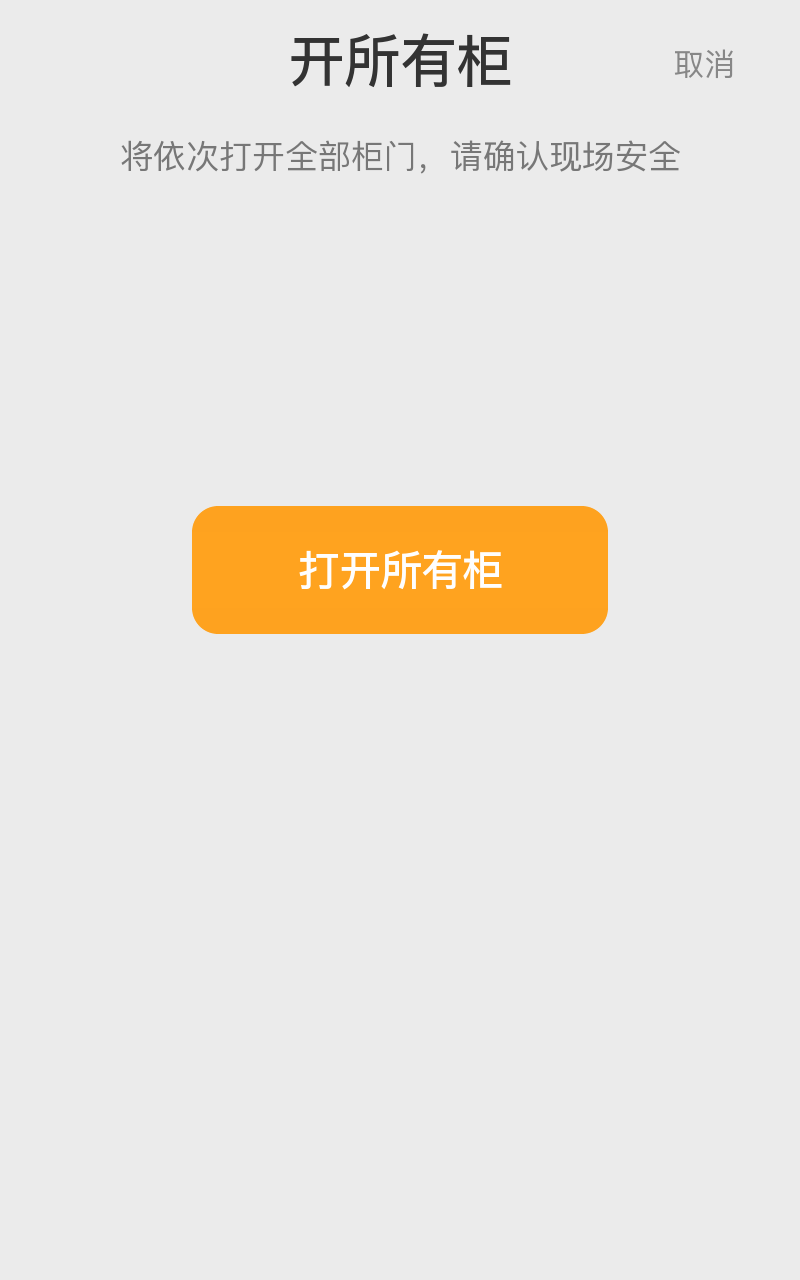 Sequential all-cabinet opening with an on-screen safety reminder. |
Online and Offline Versions
Both editions perform face recognition and cabinet control on the terminal. Their management boundaries differ:
| Capability | Online Version | Face Offline Version |
|---|---|---|
| User and face data | Synchronized from a management service | Managed locally |
| Cabinet assignments | Centrally issued and cached locally | Configured locally |
| Operation records | Locally queued and reported to the service | Stored locally |
| Network outage | Uses cached data and retries pending events after reconnection | No network dependency |
| Central operations | MQTT commands, status, alarms, and optional remote maintenance | Not included |
The online version is not the same as “cloud-only.” Recognition, authorization against cached records, and lock control remain on the device, while the server is responsible for centralized data and operations.
Main Features
User and locker workflows
- Local face recognition for cabinet access.
- Fixed-cabinet and temporary-cabinet business modes.
- Temporary-cabinet allocation and user confirmation.
- Local SQLite cache for users, face metadata, cabinet state, configuration, and pending events.
- RS-485/UART lock-board control with separate command and door-state handling.
Online management
- Device-scoped MQTT commands under
fitlock/v1/cmd/{deviceSn}/#. - User and face-image synchronization with local feature enrollment.
- Cabinet list and assignment synchronization.
- Remote configuration, control, and OTA command handlers.
- Access, face-sync, and alarm event reporting.
- Business-acknowledged local event queue: an event is removed only after the matching reply is received.
Local administration
- Face or password administrator login.
- Open one cabinet or sequentially open all cabinets.
- Ethernet/Wi-Fi and MQTT settings with a connection test.
- System and diagnostic information.
Architecture
UI Worker         Face Worker        Lock Worker        Network Worker
    \                 |                  |                    /
     \----------------+---- EventBus ----+-------------------/
                              |
                         MQTT Worker
                              |
                FitLock-compatible management service
The SDK 2.0 application separates UI, facial processing, lock-board communication, network state, and MQTT processing into dedicated workers. Workers exchange small messages through dxEventBus; SQLite provides durable device state and the pending-event queue.
Smart Cabinet Management System
The repository also includes the management application used with the device terminal:
- Java 17 and Spring Boot backend.
- Built-in Netty-based MQTT service for device commands, synchronization, events, and acknowledgements.
- SQLite by default, with optional MySQL configuration.
- Web management pages for users, user groups, authorization groups, devices, device configuration, lockers, access records, event records, and MQTT logs.
- Administrative operations such as remote cabinet opening/release, configuration delivery, upgrade tasks, and face-image/file upload.
View the smart cabinet management system on GitHub
Source Code
- Device application source
- Management system source
- Repository path:
apps/solutions/smartlocker/face_online/ - Supported products: FCV5005 and FCV5003
- Separate project configurations are included for FCV5005 and FCV5003.
face_online/
├── screenshot/
├── smart_cabinet_management_system/
│   ├── config/
│   ├── sql/
│   ├── src/
│   └── build.gradle
└── source/
    ├── .temp/
    ├── app.dxproj
    ├── doc/
    ├── dxmodules/
    ├── resource/
    ├── test/
    └── src/
        ├── db/
        ├── lock/
        ├── pages/
        ├── worker/
        ├── faceWorker.js
        ├── uiWorker.js
        └── main.js
The device source directory mirrors the current application workspace, except for its .git repository metadata. Select the matching project configuration before installing or deploying components.
MQTT Protocol Document
The complete Fit Lock Pro MQTT Protocol Document (V1.0) is maintained with the source code on GitHub:
It defines message envelopes, topic rules, configuration, control and OTA commands, user and cabinet synchronization, access events, face-synchronization events, alarms, business acknowledgements, result codes, and data objects.
AI-Assisted Development and Localization
The device application and management system were generated and iterated with AI assistance. Their default user interfaces, sample data, and operational text are primarily in Chinese. If another language is required, AI can help translate and adapt the UI text, resources, and documentation. The translated version should still be checked on the target display for font coverage, text length, layout, and business terminology.
Getting Started
- Confirm whether the target product is FCV5005 or FCV5003 and select the matching project configuration.
- Copy the matching product configuration to
app.dxprojbefore installing components. - Install the components declared in
app.dxprojwith the DejaOS extension ordejaos install --project .. - Deploy the source to the confirmed device and inspect device logs.
- Configure Ethernet or Wi-Fi and the MQTT account in the local administrator console.
- Deploy or adapt the included management system, then test synchronization, acknowledgement, reconnect replay, cabinet state, face enrollment, and failure recovery.
Deployment Boundaries
- The included management system is reference source code and still requires environment-specific deployment and acceptance testing.
- Static checks and prior development tests do not replace validation on the actual cabinet hardware and production server.