Smart Locker System (Face Recognition Offline Version)
A face-recognition-based smart locker management system built for embedded devices using the DejaOS platform. This application reuses the overall architecture and business logic of the password-based Smart Locker (Offline Version), but moves from a small screen to a larger display and replaces password unlocking with face recognition unlocking.
This is a fully functional application ready for deployment. It is based on the same core as smart_locker_offline, but upgraded with face recognition as the primary identity for locker access.
This is the offline version of the face-recognition smart locker system. It operates completely independently without any network connection or centralized management - all operations are performed directly on the device.
Application Screenshots
| Interface | Preview |
|---|---|
| Home | 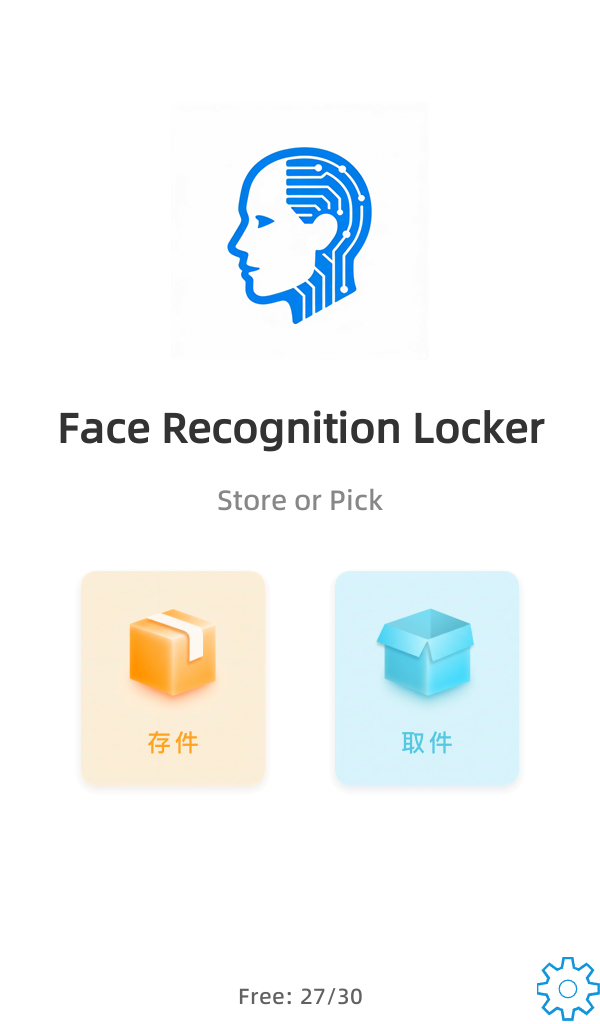 Home screen showing face-recognition entry, available lockers, and quick access to store/pick functions. |
| User Pick Cabinet | 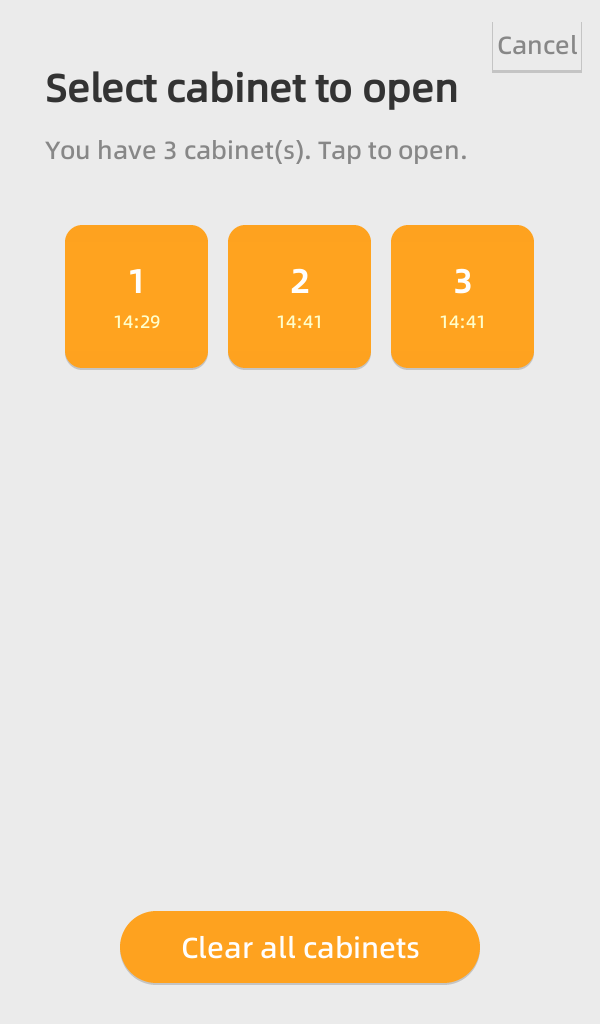 User flow for selecting a cabinet and interacting via face recognition. |
| Admin Login | 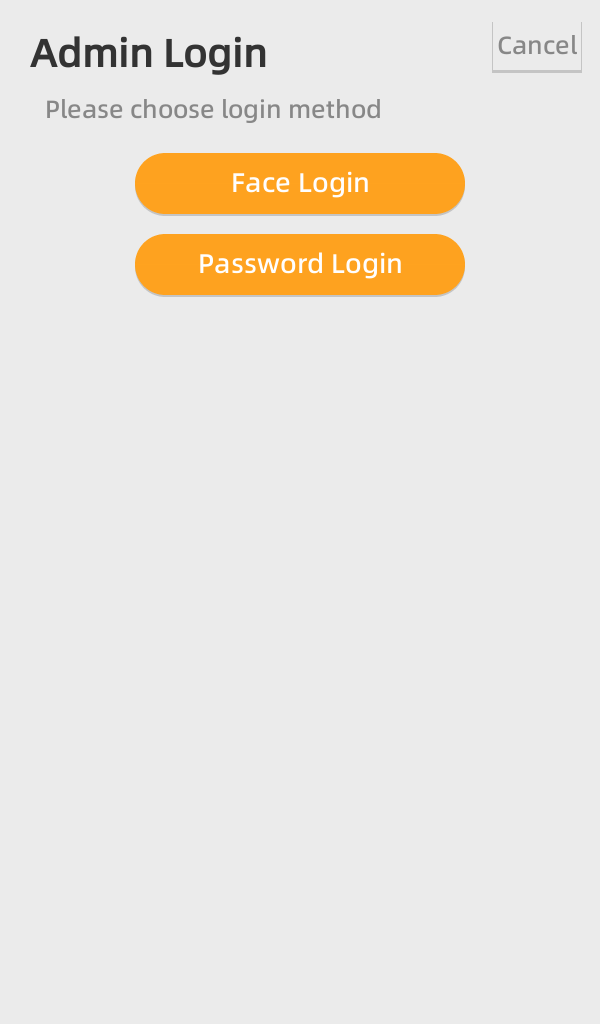 Administrator login screen on the larger display. |
| Admin Home | 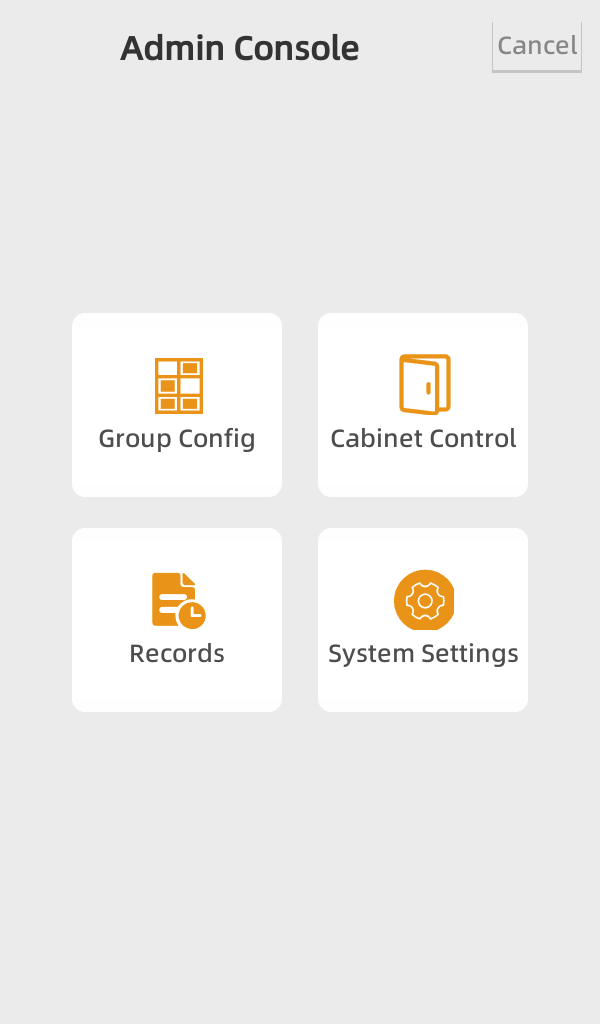 Admin dashboard with links to group config, open cabinet, records, etc. |
| Group Config | 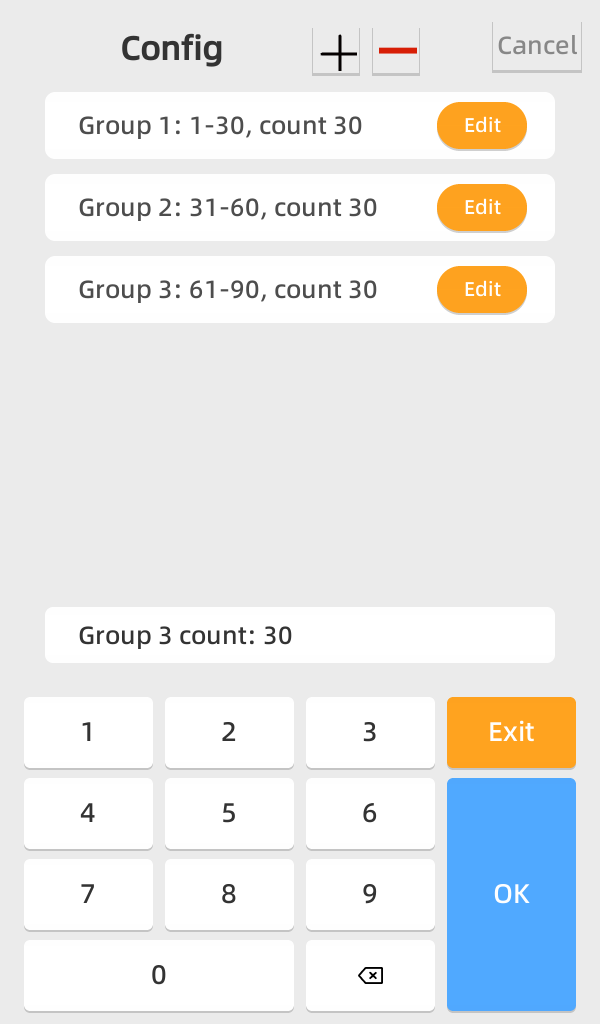 Configure multiple locker groups and cabinet ranges, now on a larger-screen layout. |
| Open Cabinet | 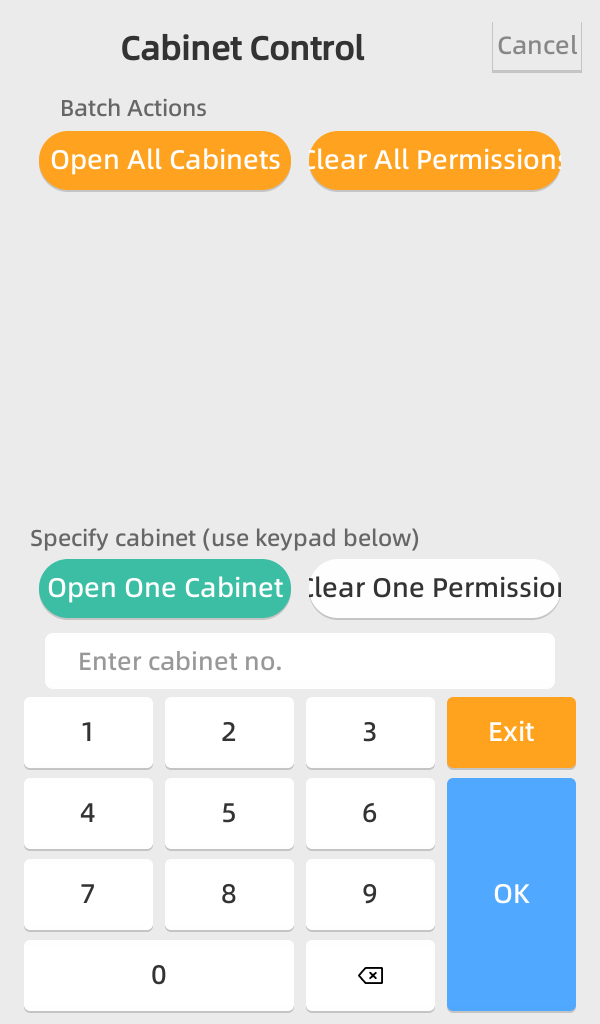 Admin page to open a specific cabinet for maintenance or help. |
| Access Records | 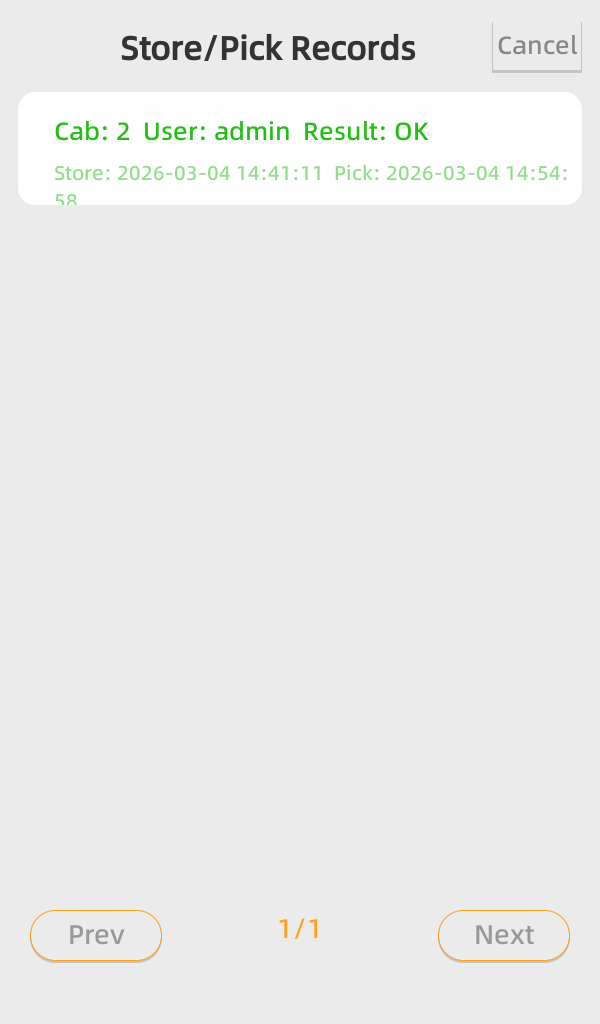 Paginated history of all store/pick operations, including face-based access logs. |
| Face Mask Prompt | 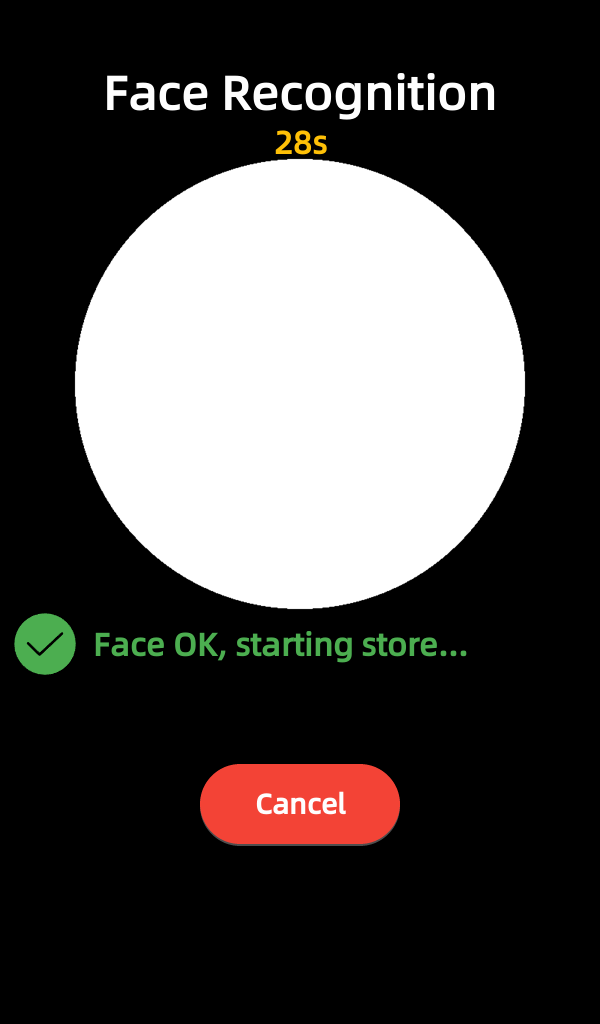 Face recognition prompt and guidance UI on the large screen. |
Project Overview
This face-recognition Smart Locker application is a fully functional embedded system designed for larger-screen devices in the smartlocker series. Its core:
- Shared Architecture: Reuses the overall structure, worker design, and business logic from the password-based
smart_locker_offlineproject. - Face Recognition Unlocking: Replaces 6-digit password input with face recognition for user identification and locker access.
- Larger Display: Migrates from a small-screen layout to a larger screen, with redesigned UI for better visual space and interaction.
- Offline Operation: All recognition, storage, and locker control logic runs locally on the device without any cloud dependency.
Relationship to smart_locker_offline
The following design aspects are very similar to smart_locker_offline:
- Locker grouping and numbering rules
- Business logic for storing and picking items
- Admin functions such as group management, manual open, records, and time settings
- Multi-worker architecture and RS-485 lock board communication
The main differences are:
- Identity Method: Password-based → face-recognition-based
- User Flow:
- When a user approaches the locker, the camera performs face recognition.
- If the face has not been registered, the system automatically registers this face (according to business rules) and associates it with a locker operation.
- Once registered, users can open cabinets and store/pick items using their face.
- Password Unlock Removed: User-facing password input flows (store password, pick password, etc.) are removed. Administrative password is retained only for system-level access.
- Screen Layout: The UI is redesigned to leverage the larger display, improving face capture area, prompts, and admin navigation.
AI-Generated Application
Like the password-based offline version, this face-recognition variant was also generated through AI-assisted development.
The project was created through many iterative conversations with AI assistants, building on:
- The development guide in
.prompt/main.md - The JS component source code in the
dxmodulesdirectory - The existing
smart_locker_offlinecodebase as a structural and architectural reference
The AI-generated work includes:
- New face-recognition user flows on top of the original locker logic
- Updated UI pages for larger screens and camera preview
- Integration with face recognition modules for capture, verification, and automatic registration
- Extended records layer to log face-based access
Main Features (Compared to Password-Based Version)
User Features
Most business flows are shared with smart_locker_offline, but with the following changes:
- Face-Based Access: Users open lockers via face recognition instead of entering a 6-digit password.
- Automatic Face Registration: If a user's face is not yet in the system, the application can automatically register the face during operation according to the configured rules.
- Store & Pick with Face: Each user can store and retrieve items using their face as the unique identifier.
- Real-time Status: The home screen continues to show the number of available lockers and system status, now optimized for a larger display.
Administrative Features
Admin functions are largely the same as in smart_locker_offline:
- Locker Group Management: Configure multiple groups with custom ranges.
- Manual Cabinet Control: Open individual cabinets or all cabinets at once.
- Access Records: View paginated history of operations, now including face-based access records.
- Time Settings: Configure system time.
- Admin Password: Set and change the administrator password (system-level only; user-facing password flows are removed).
Project Structure
The application source is the same for both; only app.dxproj differs, meaning the versions of the dependent component libraries differ. The two devices have different screen sizes, so minor UI adjustments were made.
The project layout is very similar to smart_locker_offline, with additional modules for face recognition and large-screen UI:
smart_locker_face_offline/
├── app.dxproj                 # Project configuration
├── dxmodules/                 # DejaOS modules (auto-downloaded)
├── resource/                  # Application resources (fonts, images, face UI assets)
├── src/
│   ├── main.js               # Application entry point
│   ├── uiWorker.js           # UI worker entry (large-screen layout)
│   ├── lock/                 # Lock control and service logic (inherits from offline version)
│   ├── face/                 # Face recognition-related modules (capture, verify, register)
│   └── pages/                # UI pages (home, user flows, admin pages)
└── .prompt/                  # Development guide (AI reference)
The worker architecture (Main, UI, Lock, Face/Camera) follows the same principles as the offline password-based version, with face recognition added as another specialized worker or module.
Core Technologies
- DejaOS UI System: Large-screen UI built with
dxUicomponents. - Face Recognition: Integration with DejaOS facial modules for image capture, feature extraction, verification, and registration.
- EventBus & RPC: Cross-worker messaging between UI, lock control, and face recognition.
- dxSqliteDB: SQLite database for persistent storage of locker status, records, and face-related metadata.
- dxUart / RS-485: Serial communication with the lock control board (same as offline version).
- dxMap: Shared state across workers (locker status, face recognition state, etc.).
Hardware Requirements
- Device Model: Primarily designed for the FCV5003 device.
- Device Family: Other smartlocker face-recognition models with larger displays and camera modules can also be supported with minor UI adaptations.
- Display: Large touchscreen (resolution and aspect ratio depend on target hardware; UI is designed for a wide-format screen).
- Camera: Built-in camera for face recognition, positioned for comfortable user interaction.
- Serial: RS-485 (or similar) interface for lock control boards.
- Audio: PWM buzzer or speaker for user feedback.
Getting Started
- Open the project in VSCode with the DejaOS extension.
- Ensure
app.dxprojis configured for the target smartlocker face-recognition device model. - Click "Install" in the DejaOS extension to download required modules (including facial modules).
- Deploy to the target device and perform initial face-enrollment tests.
Initial Configuration
- Locker Groups: Configure locker groups via the admin panel.
- Admin Password: Set administrator password for system entry.
- Face Recognition Rules: Adjust parameters such as recognition thresholds, auto-registration policy, and prompts according to deployment requirements.
Tip: This application shares most of its code structure and business logic with the password-based smart_locker_offline project. When customizing or extending functionality, you can reuse the same patterns (services, workers, pages) while focusing on face-recognition-specific behavior as the main difference.