Android-style Multimedia UI Demo
This demo presents an Android-inspired launcher and a set of simulated everyday applications on DejaOS. It is designed for product videos, exhibitions, and visual demonstrations of DejaOS UI, animation, audio, camera preview, and interaction capabilities.
This project does not run Android and does not reproduce the real services of the applications it resembles. Most content is local sample data, and several launcher icons are visual placeholders. It should be treated as a UI and multimedia showcase rather than a production operating system or business application.
UI Preview
| Launcher | Music player |
|---|---|
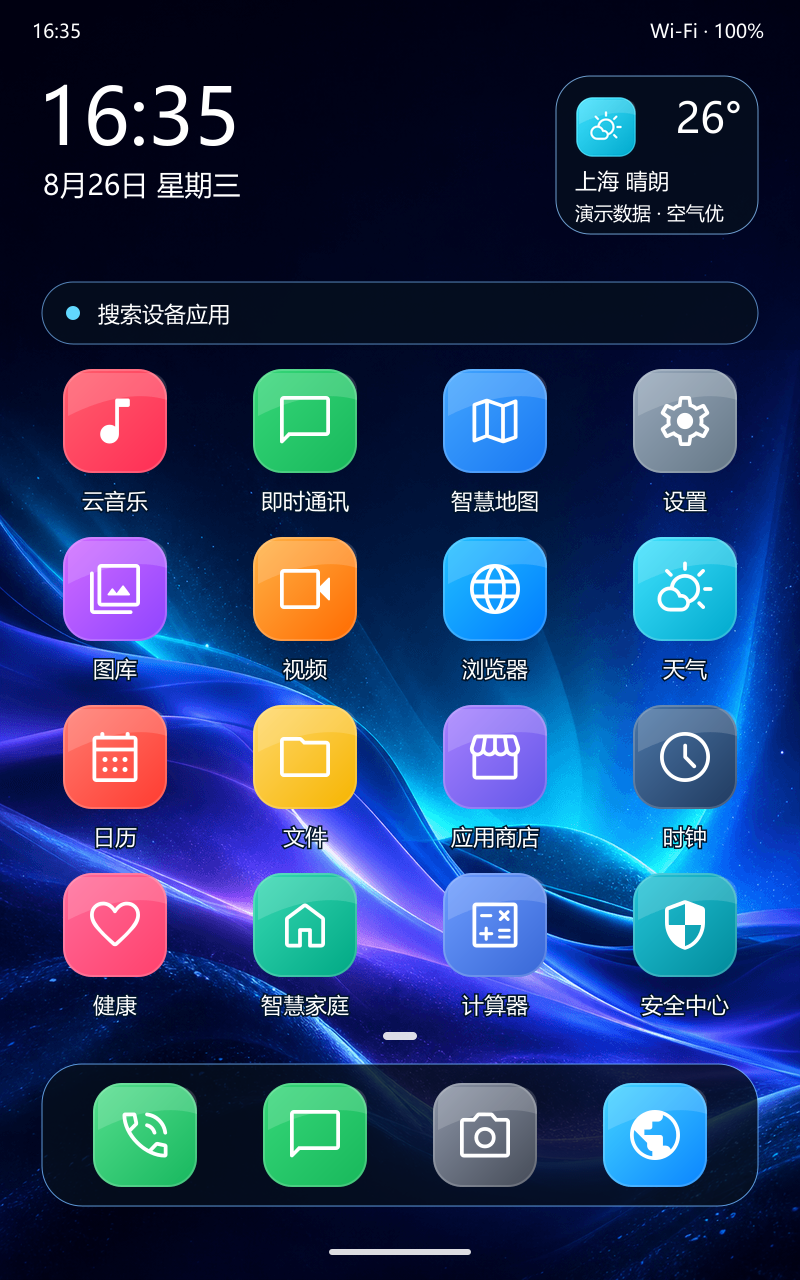 | 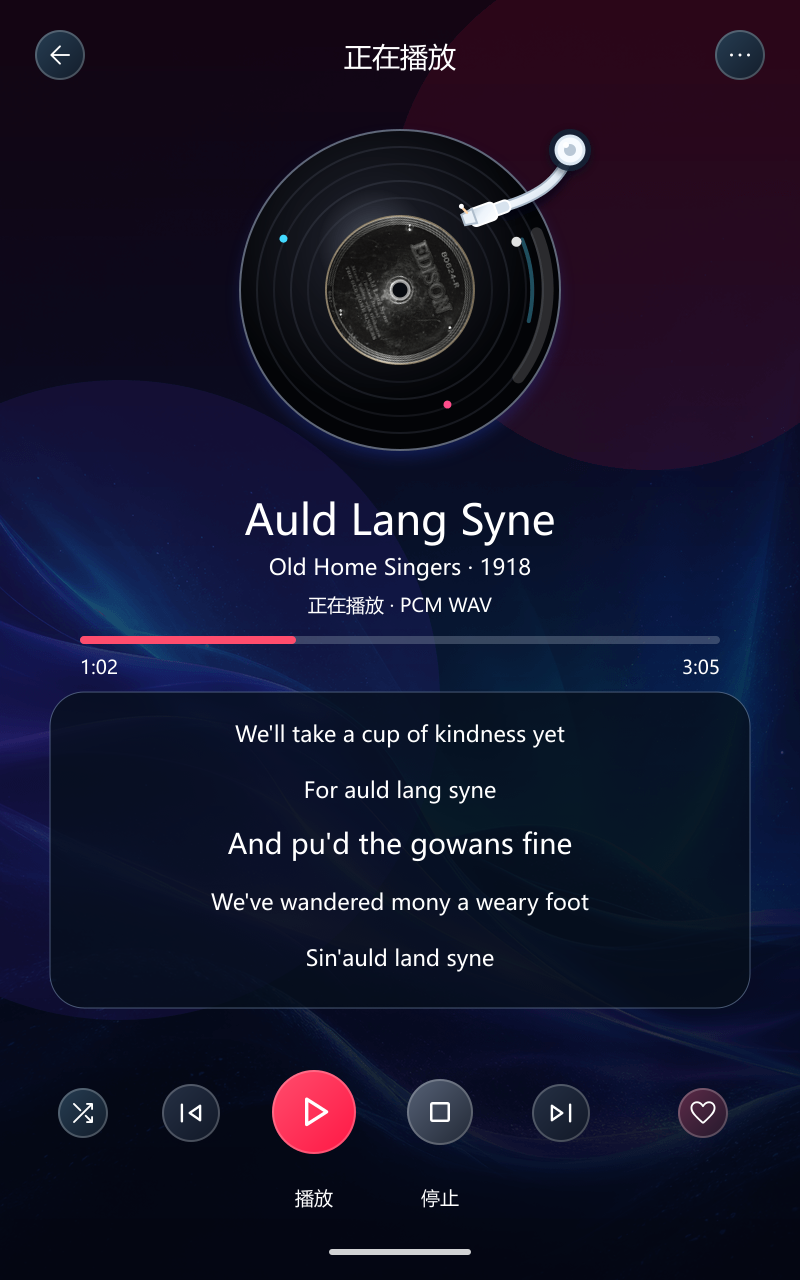 |
| Navigation | Settings |
|---|---|
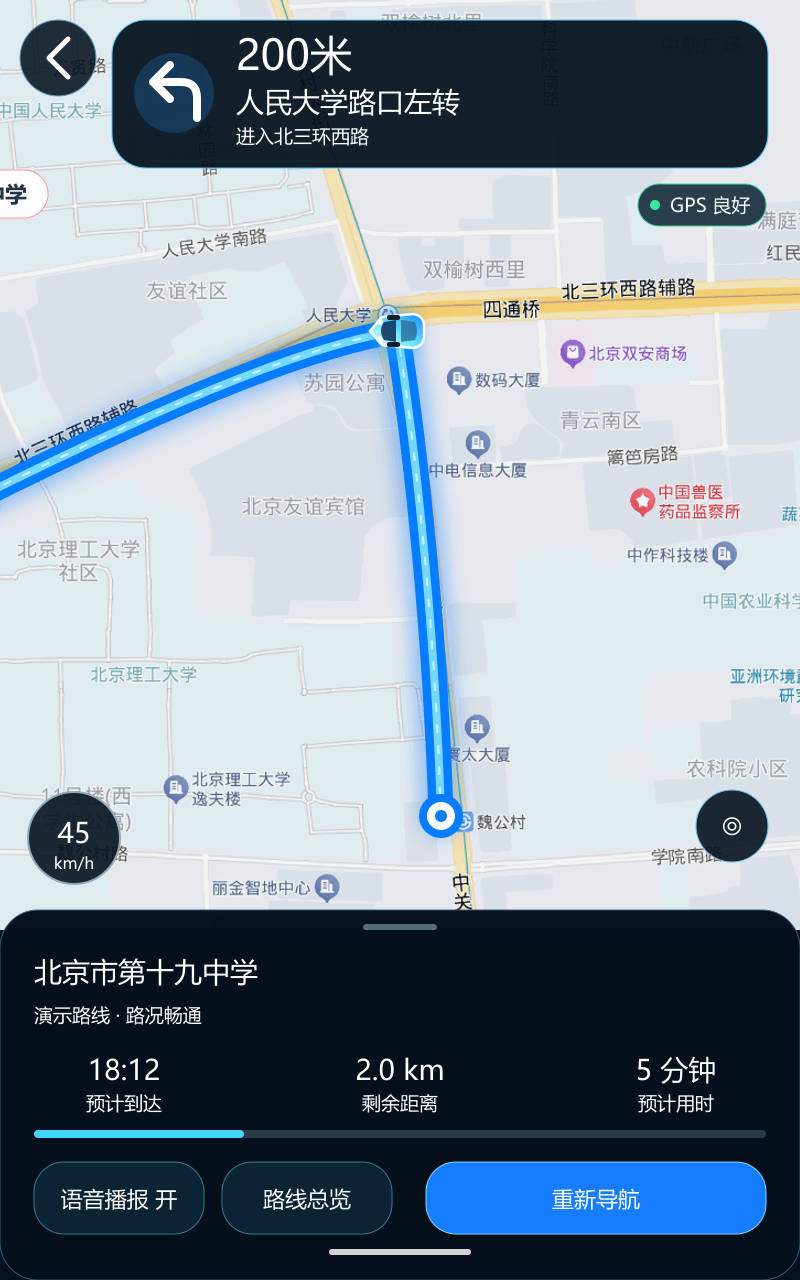 | 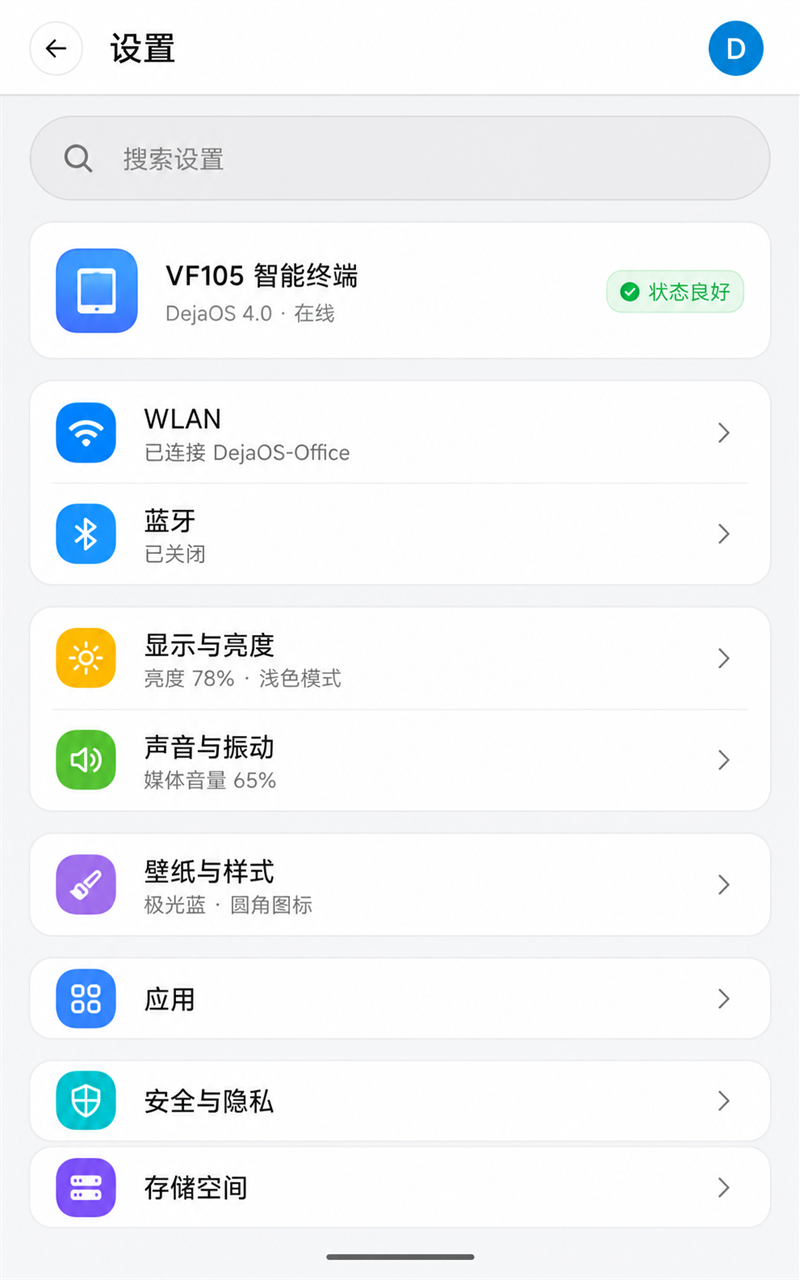 |
| Messages | Chinese input and reply |
|---|---|
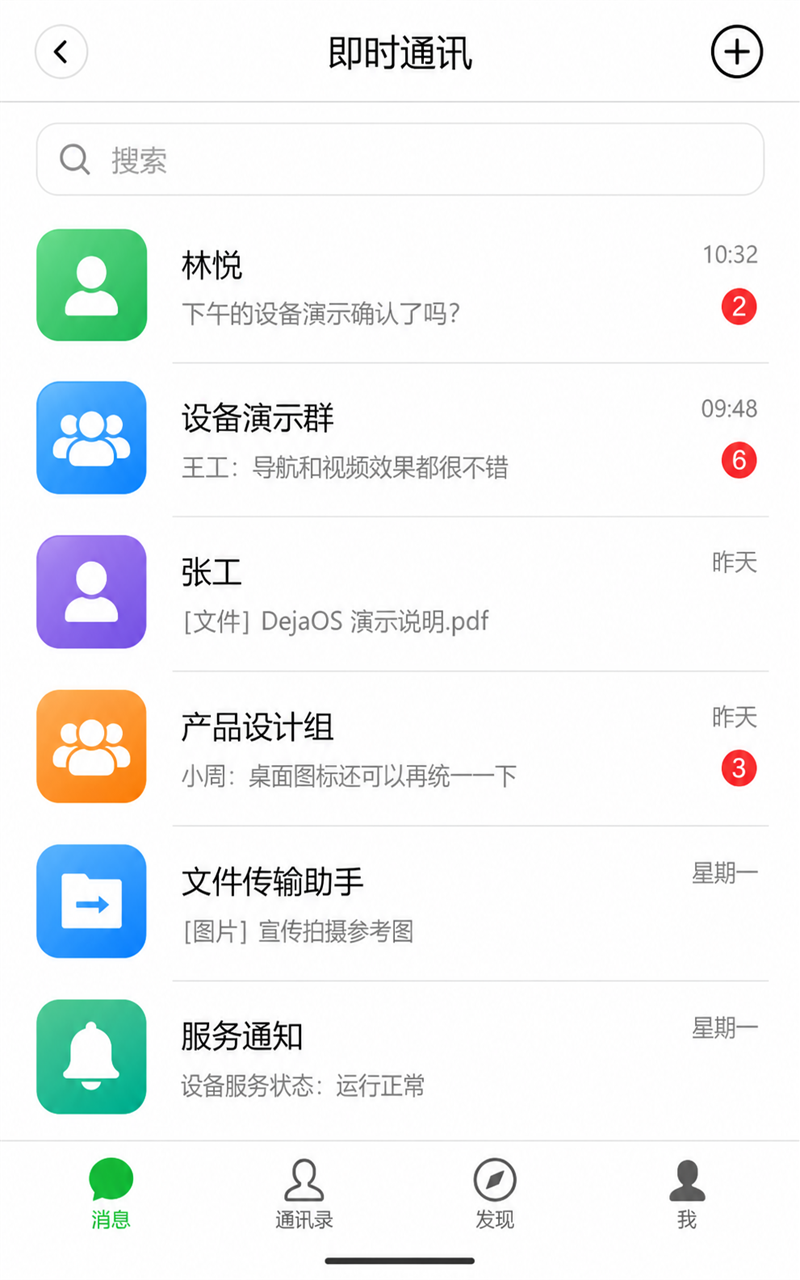 |  |
| Gallery | Full-screen photo viewer |
|---|---|
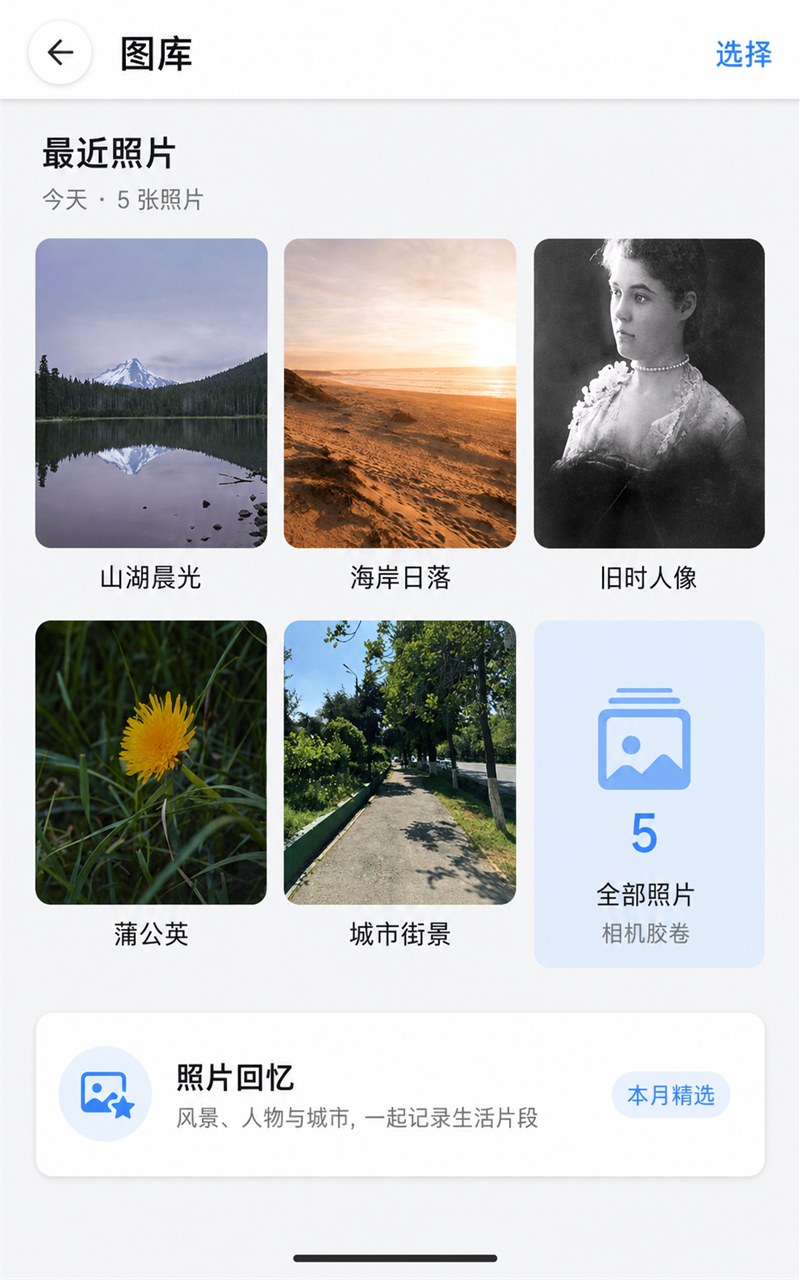 | 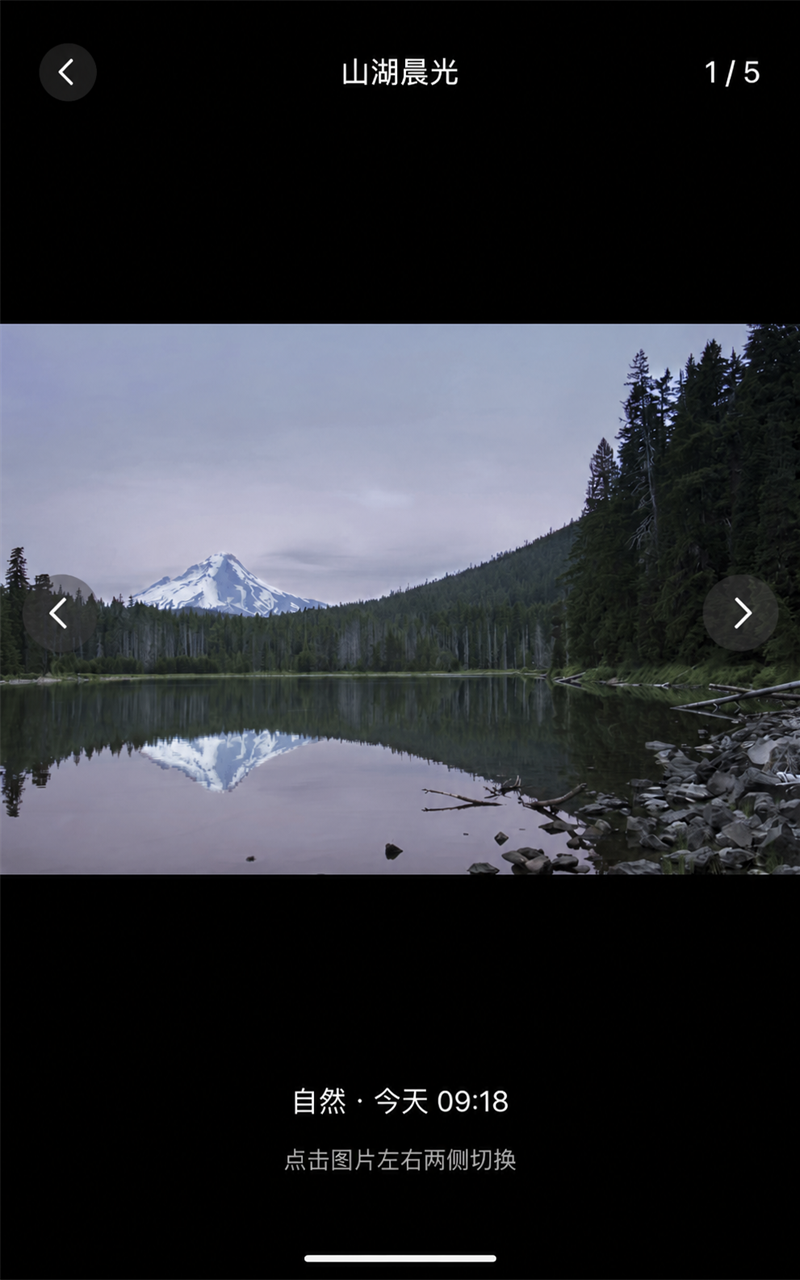 |
The screenshots illustrate the application layout and presentation. Some documentation images are rendered presentation previews based on the implemented 800×1280 UI rather than photographs captured from the physical display.
Main Features
- Android-inspired launcher: Includes a status area, weather card, app search bar, animated icon entrance, dock, and placeholder applications.
- WAV music playback: Plays a PCM WAV track with synchronized LRC lyrics, playback progress, a rotating record, and a moving tonearm. Play and stop controls are functional.
- Simulated navigation: Overlays a route, vehicle marker, maneuver card, trip status, and staged WAV voice prompts on a static map image.
- Camera-backed video page: Initializes the supported camera and display pipeline to present a live preview while keeping the interface framed as a video application.
- Instant messaging flow: Provides a conversation list, secondary chat pages, a built-in pinyin keyboard, message submission, and a timed automatic reply in the first conversation.
- Gallery and photo viewer: Shows five local photos in a three-column grid and opens an immersive viewer with previous/next navigation.
- Settings presentation: Provides Android-style settings categories, detail pages, toggles, and sliders backed by sample values without changing system configuration.
Development with Codex and a DejaOS Skill
The demo was designed and implemented iteratively with Codex using the DejaOS app-development Skill. The workflow combined visual iteration with DejaOS-specific safeguards:
- Confirm the
FCV5005target and SDK 4.0 project configuration. - Inspect the project-local
dxmodules/wrappers before using UI, audio, camera, display, or facial components. - Build and synchronize through the DejaOS CLI, then inspect bounded device logs after material changes.
- Adjust layouts from real-device feedback while keeping generated documentation previews clearly identified.
Source Structure
Complete source: DejaOS repository · apps/features/fake_android_demo
source/src/desktop.js: Launcher layout, app grid, dock, and entry animations.source/src/musicPlayer.jsandaudioService.js: WAV playback, lyrics, record animation, and navigation prompts.source/src/mapPage.js: Simulated route and navigation sequence.source/src/videoPage.jsandcameraService.js: Live camera preview lifecycle.source/src/chatApp.jsandpinyinDict.js: Messaging pages and the local Chinese keyboard.source/src/settingsPage.js: Settings lists, detail views, toggles, and sliders.source/src/galleryPage.js: Photo grid and full-screen viewer.source/resource/: Fonts, icons, photos, audio, map, and animation assets.
Build and Run
From the source directory, install the project components and run it through the DejaOS CLI:
dejaos install
dejaos run
Tip: The project targets FCV5005, uses DejaOS SDK 4.0, and is laid out for an 800×1280 portrait display. Adapt coordinates and image assets before using it on another resolution.