dxBarcode
1. Overview
This module is part of the official system module library of dejaOS, used for barcode scanning and decoding functionality. It includes comprehensive barcode scanning features:
- Initialize/deinitialize barcode scanner
- Real-time barcode detection and decoding
- Support for various barcode formats (QR, Code128, Code39, etc.)
- Event-driven callback system
- Singleton pattern for system-wide barcode scanning
2. Files
- dxBarcode.js
- libvbar-m-dxbarcode.so
- Ensure these 2 files are included in the dxmodules subdirectory under your project root directory
3. Dependencies
- dxLogger
4. Compatible Devices
Compatible with all devices running dejaOS v2.0+. Device must have a scanner camera.
5. Usage
Basic Usage
import dxbarcode from "./dxmodules/dxBarcode.js";

// Initialize the barcode scanner
dxbarcode.init();

// Set callback for barcode detection
dxbarcode.setCallbacks({
  onBarcodeDetected: function (data, type, quality, timestamp) {
    // data is ArrayBuffer containing the barcode data
    let str = common.utf8HexToStr(common.arrayBufferToHexString(data));
    log.info("Barcode data :", str);
    log.info("Barcode type:", type);
    log.info("Quality:", quality);
    log.info("Timestamp:", timestamp);
  },
});

// Start processing barcode events (call periodically)
setInterval(() => {
  dxbarcode.loop();
}, 50); // Process events every 50ms
6. API Reference
dxbarcode.init()
Initializes the barcode scanner. Must be called before any other operation.
Returns: void
dxbarcode.deinit()
Deinitializes the barcode scanner and releases resources.
Returns: void
dxbarcode.setCallbacks(callbacks)
Sets the callback function for barcode detection events.
Parameters:
callbacks(Object): The callback functions objectonBarcodeDetected(Function): The callback function to handle barcode detectiondata(ArrayBuffer): The barcode data as ArrayBuffer. This preserves binary data integrity and prevents encoding issues.type(Number): The barcode type identifier. Refer to [Supported Formats and Type Values]quality(Number): The quality score of the decoded barcode.timestamp(Number): The timestamp when the barcode was detected.
Returns: void
dxbarcode.loop()
Processes events from the barcode event queue. Should be called periodically (e.g. in setInterval).
Returns: void
dxbarcode.getNative()
Gets the native barcode client object.
Returns: Object|null - The native client object, or null if not initialized.
7. Related Modules
- dxCode: Deprecated,replaced by dxBarcode
- dxCapturer: Image capture functionality
- dxDecoder: Barcode decoding functionality
8. Example
For complete working examples, refer to the demo files in the source repository.
9. Supported Formats and Type Values
1D Barcode Standards:
-
UPC-A (Universal Product Code A): Type 2

-
UPC-E (Universal Product Code E): Type 2

-
CODE128 (Code 128):Type 7

-
CODE93 (Code 93):Type 6

-
CODE39 (Code 39):Type 5

-
EAN-8 (European Article Number 8-digit): Type 2

-
EAN-13 (European Article Number 13-digit): Type 2

2D Barcode Standards:
-
QR Code (Quick Response Code): Type 1

-
PDF417 (Portable Data File 417): Type 10

-
AZTEC (Aztec Code): Type 16

-
Micro QR Code: Type 1

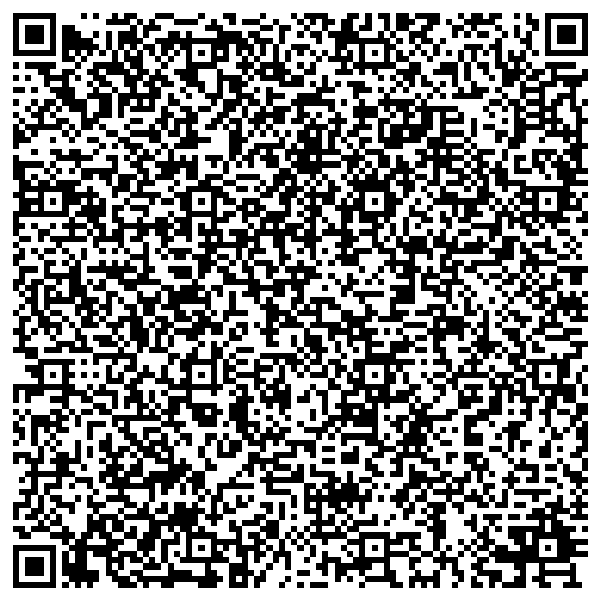
10. Long Text QR Code Example